
Summary –
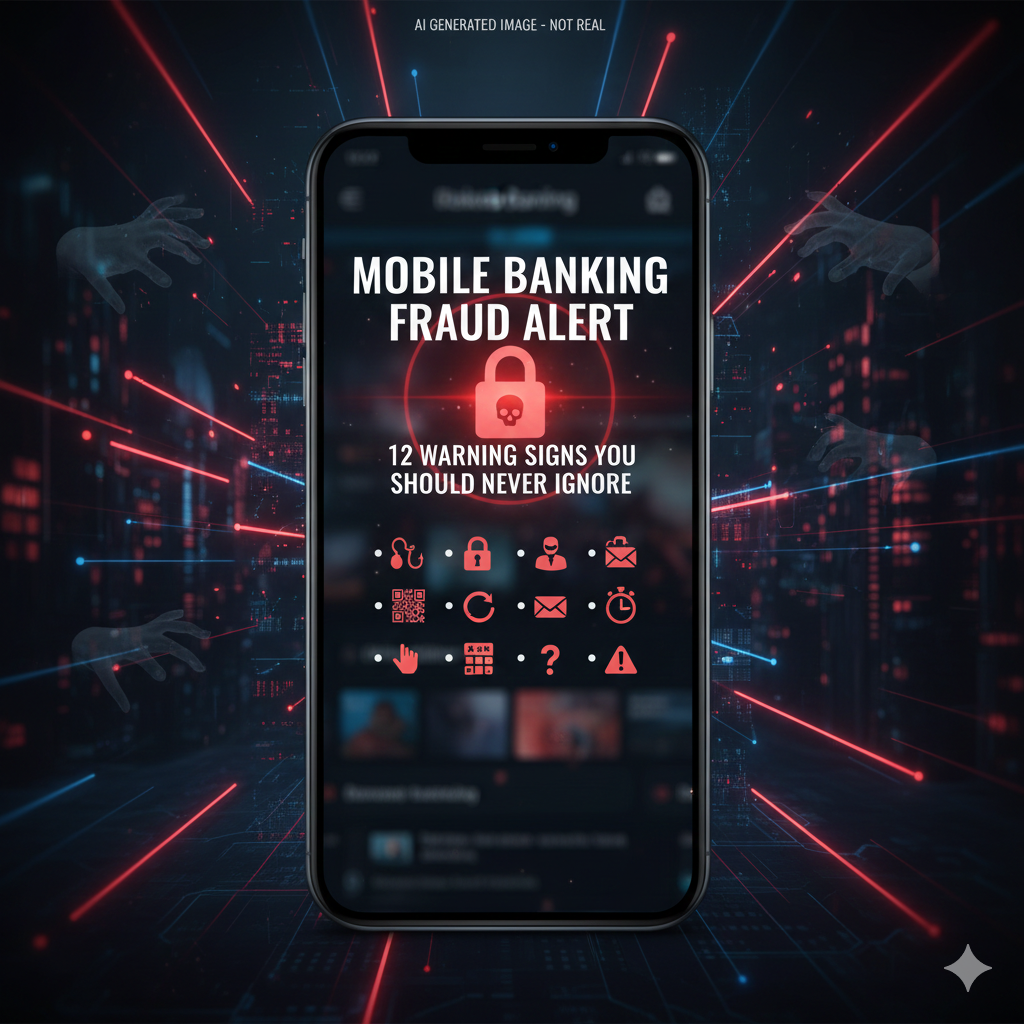
Screen sharing scams are rising rapidly in India, with fraudsters convincing victims to install remote access apps and unknowingly hand over control of their mobile banking. Learn how these scams work and how to protect yourself.
Top 15 Key Points
- Fraudsters request screen-sharing app installation
- Common apps misused for scams
- Fake customer care calls initiate scam
- Victims unknowingly reveal OTPs
- Banking apps accessed remotely
- QR code fraud combined with screen sharing
- Loan app harassment linked to remote access
- Never share OTP verbally
- Avoid installing unknown apps
- Disable accessibility permissions
- Uninstall suspicious apps immediately
- Reset banking passwords after exposure
- Inform bank instantly
- Call 1930 cyber helpline
- Educate elderly family members
Screen sharing scams have become one of the most dangerous forms of digital payment fraud.
Fraudsters typically pose as bank executives, telecom agents, or representatives from apps like PhonePe or Google Pay.
They claim there is an issue with your account and ask you to install a remote access app.
Once installed, the scammer can view everything on your screen — including OTPs, UPI PIN entries, and banking credentials.
Some fraudsters guide victims to scan QR codes while monitoring their screen live. This results in instant money transfer.
Warning signs:
- Caller insists on urgency.
- Requests to download screen-sharing apps.
- Asks for OTP verbally.
Remember: No bank or financial institution will ever ask you to install a remote access app.
If you have accidentally shared your screen:
- Disconnect internet immediately.
- Uninstall suspicious app.
- Change banking passwords.
- Inform your bank.
- Call 1930 immediately.
Digital awareness can prevent financial disaster.
📢 Disclaimer
This article is for public cybersecurity awareness only. Always confirm official communication through verified bank contact numbers.